One app on your Mac keeps work, personal and client calendars aligned. Without linking accounts or exposing sensitive data. Your first sync is free.
Download for Free.Set Up in 2 Minutes.
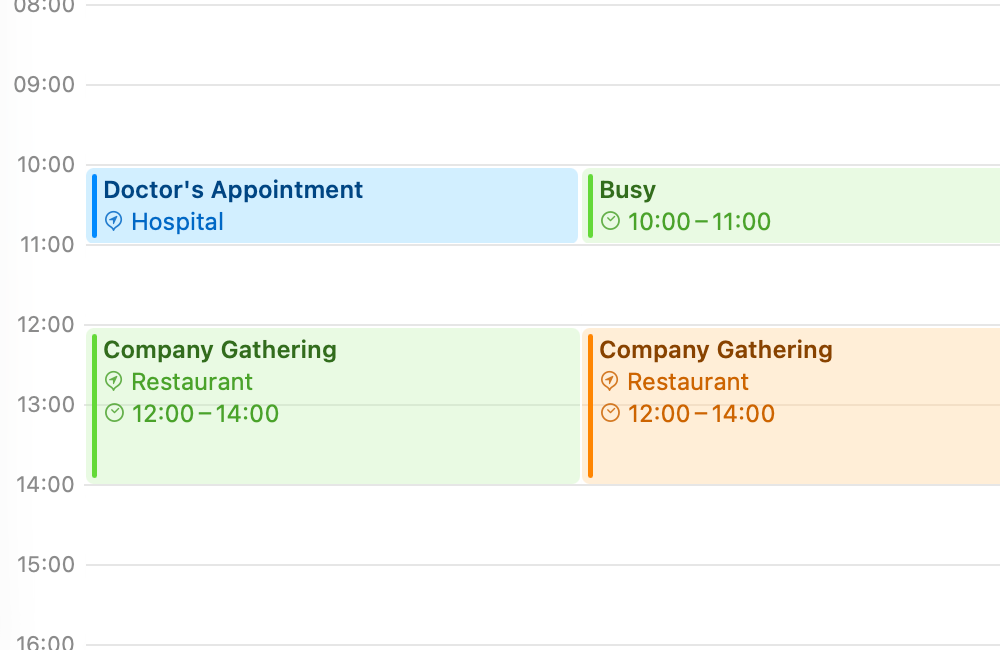
Share your availability without sharing your life. Clone events with full details or redact them to show only that you're busy. Title, description and location stay private.
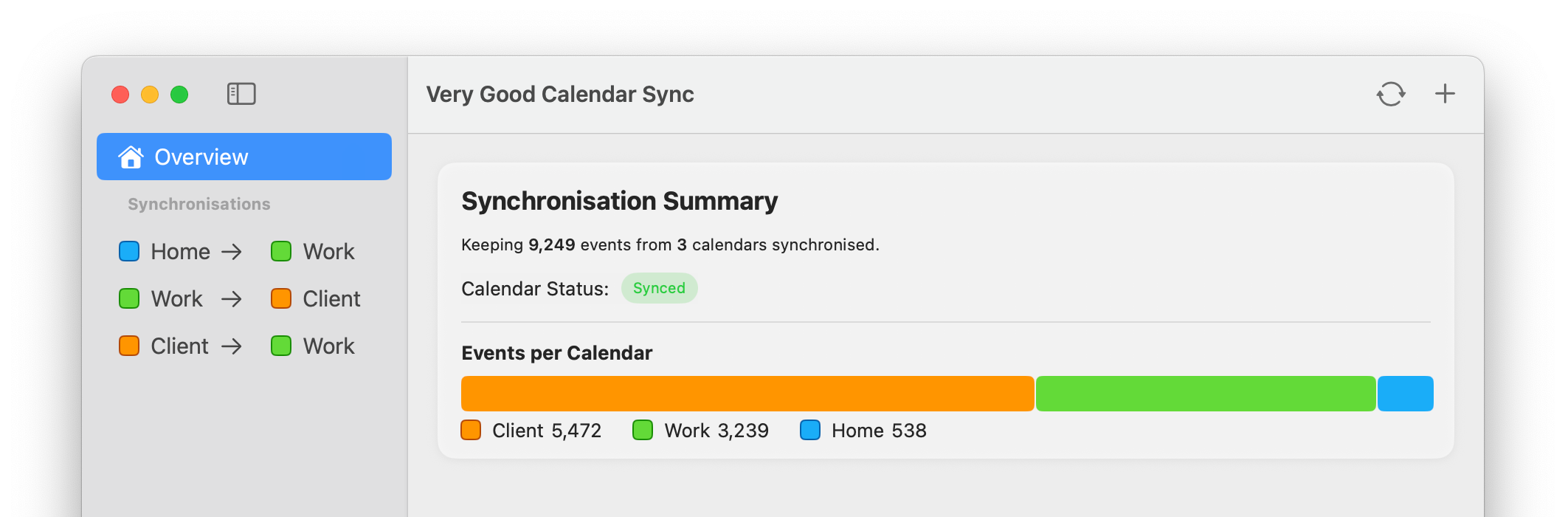
Runs quietly in your menu bar. Set up your syncs once, then forget about it. Synchronises automatically whenever your calendars change.
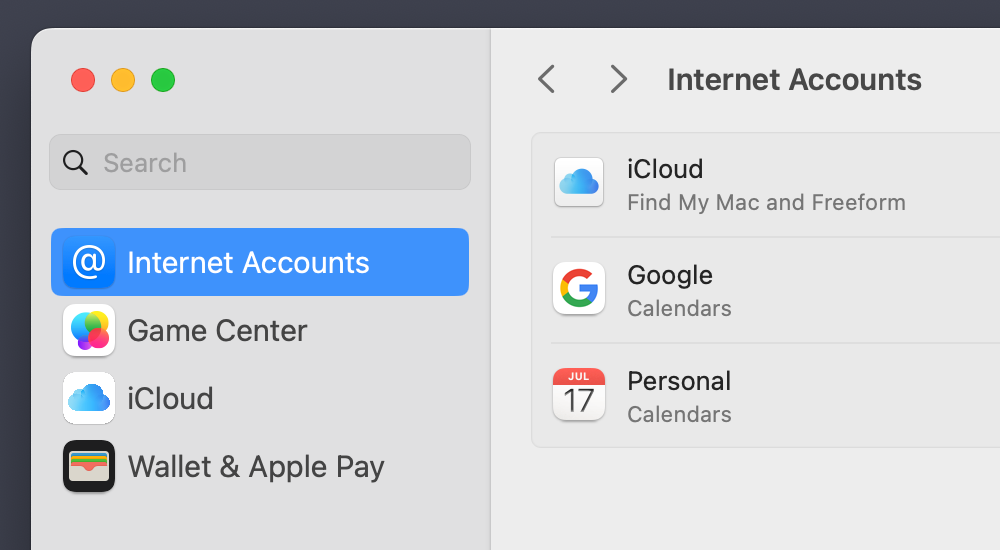
Your Google, Microsoft and Apple credentials stay safe under macOS' Internet Accounts. No logins on third-party websites.
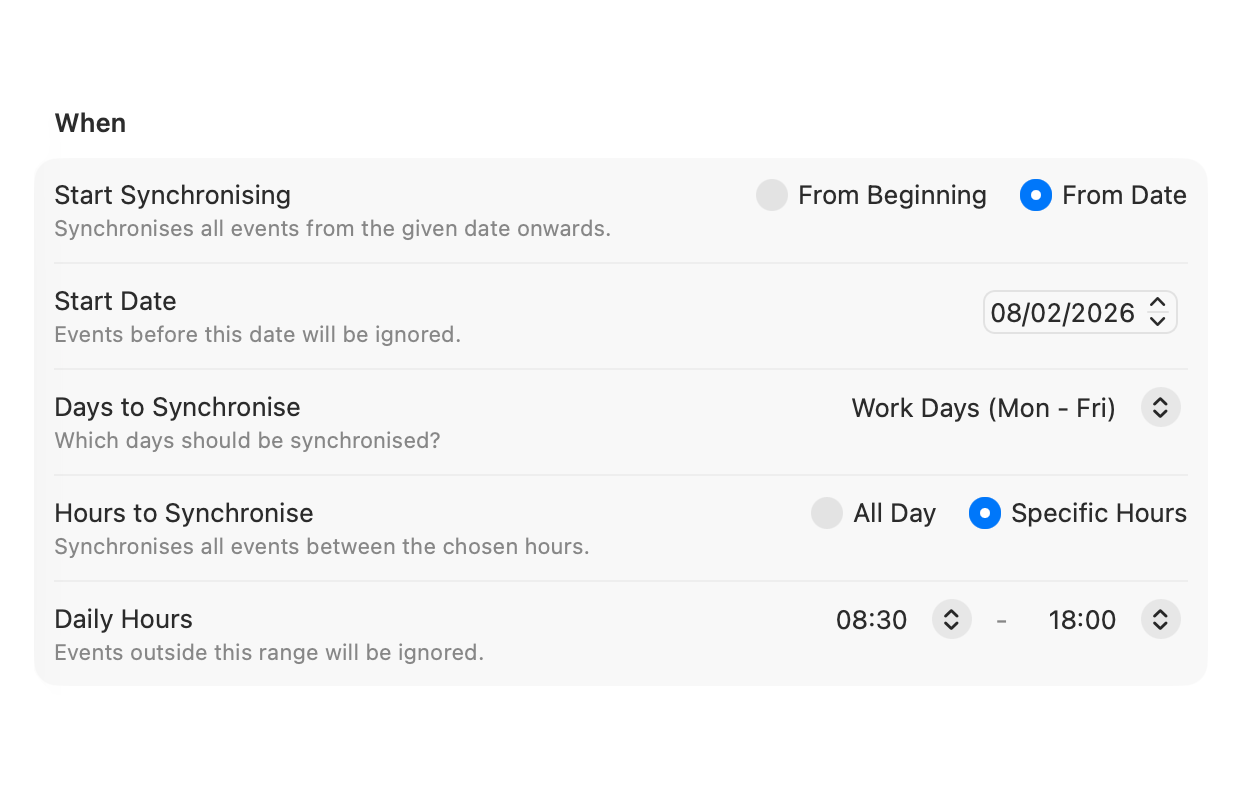
Synchronise only weekdays, weekends or pick specific days. Set a time range to limit syncing to work hours. Each synchronisation gets its own rules.
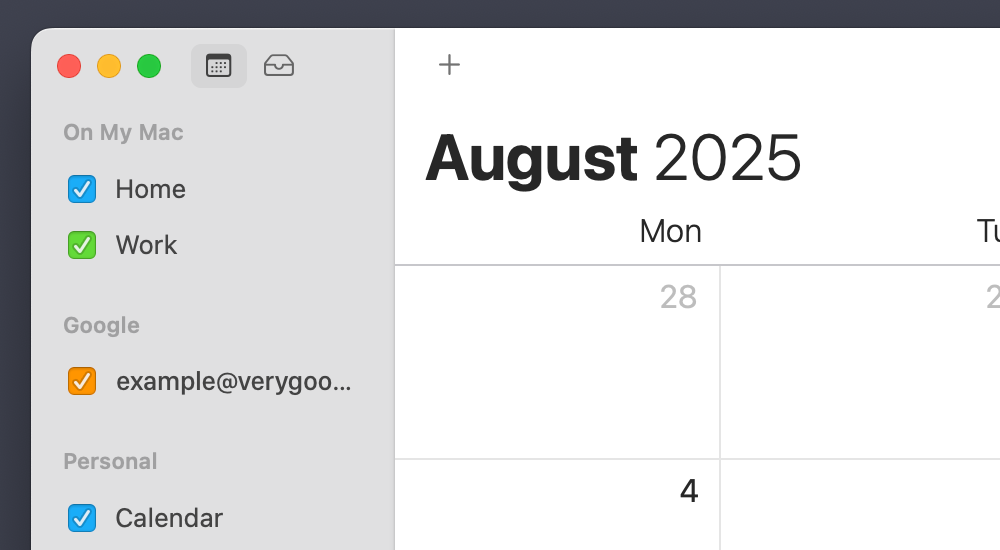
Works directly with  Calendar.app. No extra apps to install, no connections to configure. Your calendars are already there.
The app runs entirely on your Mac. No servers of its own, no data collection, no analytics on your calendar. Just your Mac talking to your calendars. Learn why this matters.
Whether you're a solo consultant, a product manager juggling priorities or simply someone with more than one calendar, Very Good Calendar Sync keeps your availability honest and up to date.
Keep every client calendar in sync, without manually cross-checking availability or risking double-bookings.
Seamlessly manage work and personal schedules. Never get double-booked because your team couldn't see your dentist appointment.
Balance internal and client-facing calendars without confusion. Everyone sees the same, real-time availability. Finally.
No double-booking. No guesswork. No missed meetings.


If it shows up in macOS' Calendar.app , it works with Very Good Calendar Sync.
Including Google Calendar, Microsoft Outlook/Exchange, Apple iCloud and any CalDAV account.
No extra setup. No third-party access.
Built by someone who got tired of double-bookings and third-party apps wanting access to their life.
One synchronisation between two calendars is completely free. No payment required. When you're ready for more, pick a plan.
Flexible month-to-month. Cancel anytime.
Best value.
Save over 15% vs monthly.
One payment, yours forever.
All future updates included.
Download for free.
Choose your plan in the app.

All plans include unlimited synchronisations, all calendar providers and email support. Per-user license for all your Macs.
Everything is stored and synced locally only on your device. Very Good Calendar Sync never transmits or saves your calendar data externally.
Google Calendar, Microsoft 365, Apple iCloud, CalDAV and others. If it shows up in macOS' Calendar.app, it works with Very Good Calendar Sync.
Synchronisation happens locally on your Mac, so it only runs while your Mac is awake and the app is active in the menu bar. Enable “Start at Login” in Settings and it will start automatically whenever you log in, so you never have to think about it.
Not yet. Very Good Calendar Sync is focused on a native macOS experience to start with. Windows support is on the roadmap, but no timing on that is available at this point.
Unfortunately, no, because iOS doesn't support the necessary features to make it viable. Most notably, the lack of background processing based on calendar notifications.
At the time of writing, there's no guaranteed way to make it work based on the rules of what apps are allowed to do when running in the background. This makes it too unreliable. Always having to open the app to manually trigger synchronisations goes against the core idea of not having to think about the synchronisations in the first place.
Until there's better support in iOS, there is no way to make it work seamlessly.